
Jos tarvitset alennusta tai apua, ota meihin yhteyttä chatin tai lehdistön kautta. KONTAKTA OSS
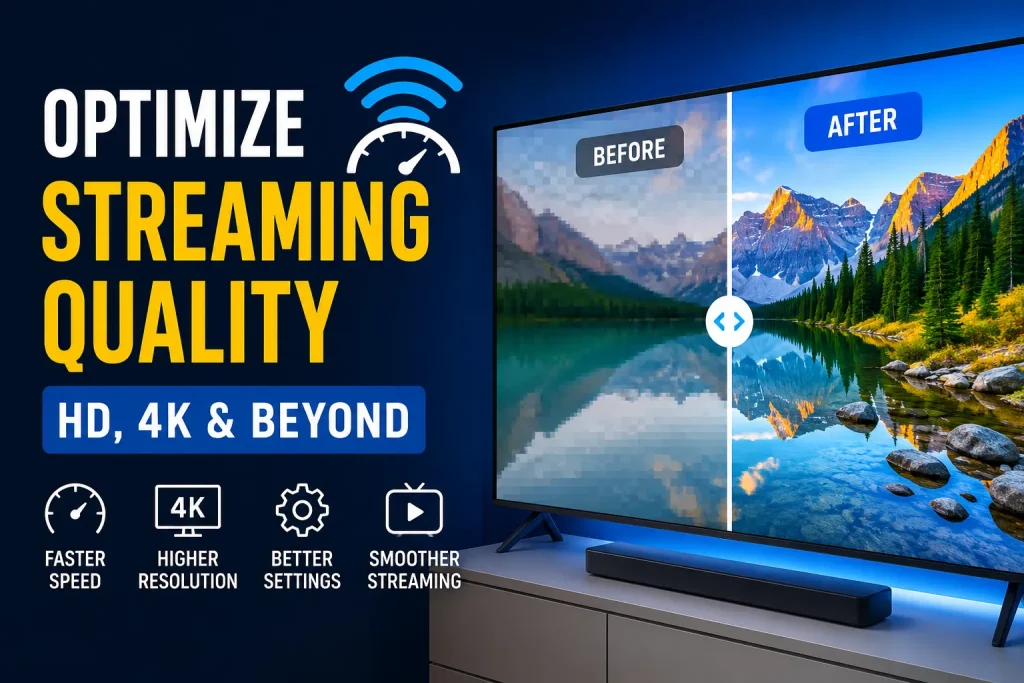
Today, Streaming Services have become the backbone of modern entertainment, allowing users to watch movies, live sports, and TV shows on Smart TVs, mobile devices, and computers. However, one common issue users face is inconsistent picture quality. Sometimes the video looks crystal clear, and other times it becomes blurry or pixelated.
The truth is that streaming quality is not only dependent on the platform itself. Instead, it is influenced by several technical factors such as internet speed, device capability, network stability, and system settings.
In this guide, you will learn practical and proven ways to optimize picture quality for Streaming Services, ensuring smooth, sharp, and buffer-free viewing experiences.
One of the most frustrating experiences for users is sudden drops in video quality during playback. This usually happens due to adaptive streaming technology, which automatically adjusts resolution based on network performance.
When these factors combine, the result is reduced resolution and buffering interruptions.
To understand how modern streaming systems evolved, you can explore this resource:
A strong internet connection is the foundation of high-quality streaming. Without enough bandwidth, even premium devices cannot deliver stable HD or 4K playback.
If you want a deeper breakdown of speed requirements for different resolutions, read here:
For the best performance, use a wired Ethernet connection instead of Wi-Fi whenever possible. It reduces latency and improves stability significantly.
Your device plays a major role in determining how content is displayed. Older Smart TVs or low-end devices may not fully support modern video formats.
Modern Smart TVs with built-in optimization systems deliver smoother playback, better color accuracy, and improved motion handling.
Streaming platforms use video compression to deliver content efficiently. Without compression, high-resolution video would require extremely high bandwidth.
Advanced codecs help maintain better visual quality even on slower networks by reducing data usage without sacrificing clarity.
Network stability is one of the most important factors in streaming performance.
For users who prioritize picture quality, Ethernet is often the best choice.
Many users overlook built-in app settings that can significantly improve playback quality.
These small changes can immediately improve clarity and stability.
Streaming quality can also be affected by background processes running on your device.
Closing unnecessary apps and reducing network load can significantly improve streaming performance.
Modern Smart TVs include built-in image enhancement features designed to improve visual output.
While these features can improve visual appearance, they may sometimes create unnatural motion effects. It is recommended to test settings and adjust them based on personal preference.
Many users unknowingly reduce their streaming performance due to simple mistakes:
Fixing these issues can instantly improve playback quality.
The future of Streaming Services is moving toward smarter, more efficient technology.
These advancements will allow users to enjoy higher quality video even on moderate internet connections.
Optimizing picture quality for Streaming Services requires a combination of good internet speed, proper device setup, and correct system settings. When all these elements work together, users can enjoy smooth, high-resolution, and buffer-free entertainment.
By applying the strategies in this guide, you can significantly improve your viewing experience across all devices. For more technical insights and streaming guides, you can explore resources on finlandiptv and related educational articles.
Streaming services automatically adjust quality based on your internet speed and stability.
A stable connection of at least 25–50 Mbps is recommended for 4K content.
Yes, but Ethernet provides a more stable and reliable connection.
This usually happens due to network congestion or automatic quality adjustment.
Yes, adjusting display and streaming settings can significantly enhance clarity.

I’m Jacob Reed, a content writer focused on streaming, digital entertainment, and modern technology. I share simple tips and useful insights to help readers enjoy better digital experiences.